
AI drawings for kids: how your child can create illustrations in minutes
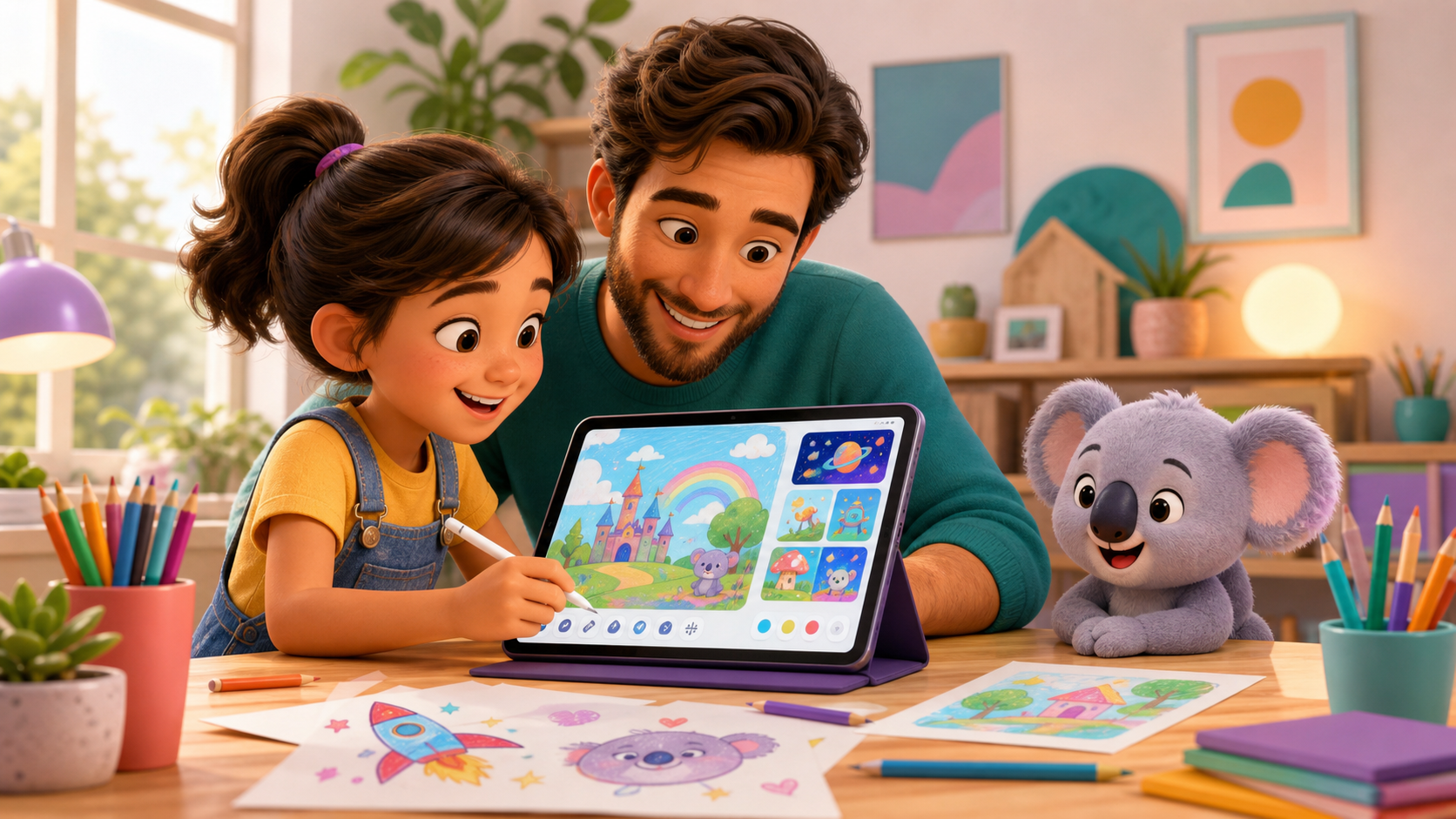
Imagine your child typing a few words and seeing a full illustration appear on screen in seconds. That's the magic of AI drawings for kids — a new form of creative expression that's accessible, educational, and genuinely fun. No technical skills required for parents or children. In this guide we'll show you how AI image generators work, how to create your first illustration step by step, and what activities you can enjoy together at home.
If you'd like broader context first, take a look at our complete AI for kids guide — it covers how to introduce these tools responsibly at any age.
How AI drawing generators work
AI drawing tools use deep learning models trained on millions of images. When your child types a description — "a pink unicorn flying over a cloud castle" — the AI analyses each word and combines visual patterns to generate something entirely new. It's not a copy of any existing drawing: it's a unique creation made from text in seconds.
For parents, understanding this process helps guide children toward richer descriptions. The more details a child includes — color, size, setting, style — the more interesting and personalized the result. It's a natural, playful way to expand vocabulary and sharpen descriptive language.
Safety first: always use child-curated platforms like NanoKoala that filter inappropriate content and offer a secure, ad-free environment for young creators.
Step by step: from text to illustration
Here's how to create drawings with AI together with your child — no experience needed:
- 1Open the NanoKoala drawing lab — no account required to start exploring.
- 2Talk with your child about what they want to create: an animal, a fantasy character, a magical landscape.
- 3Build the description together using details: colors, sizes, actions, and setting. Example: "a green dragon with scientist glasses flying over an enchanted forest".
- 4Type the description and click generate. The AI processes the text and delivers the image within seconds.
- 5Review together: do you like it? If not, adjust the description and try again — each attempt is a learning moment.
- 6Save the image, print it, or use it as a starting point for a story. Every illustration is unique.
This process develops language skills, abstract thinking, and patience — all while having fun together.
Building artistic sense with AI
When a child creates AI art for children, they don't just get a finished image — they learn to observe the world with a different eye. With each attempt, they notice how different words change the result: "large" vs "enormous", "bright" vs "shadowy". This exercise trains vocabulary and visual perception at the same time.
After generating an illustration, try a creative challenge: ask your child to recreate it freehand on paper, using the AI image as a reference. They'll add their own style and details — a natural bridge between the digital and the analogue that reinforces both.
AI illustration for kids also teaches that creativity isn't just about technical skill — it's about having and expressing ideas. A child who struggles to draw a proportional face can still create sophisticated scenes with AI. That builds confidence and keeps the desire to create alive.
NanoKoala: draw by describing
At NanoKoala we built a dedicated lab where children can create drawings with AI in a safe, ad-free environment with content filters. The interface is simple: your child types or dictates what they imagine, chooses a style (cartoon, fantasy, watercolor), and sees the illustration appear in seconds.
Parents can follow along, suggest descriptions, and explore together. After each generation, NanoKoala adds a curious question — for example: "You used contrast! Why does a dark background make the character stand out?" — turning every creation into a micro art lesson.
Ready to try? Open the drawing lab and see how simple it is to turn a sentence into a work of art.
AI art activities to do at home
Here are four practical ideas to turn AI drawings for kids into a memorable family experience:
- ✓Illustrated storybook: your child invents a short story and asks AI to illustrate each scene. Print and bind it — a keepsake they'll treasure.
- ✓Guessing game: one family member describes something without naming it, the AI generates the image, and the others guess what it is. Great for building oral creativity.
- ✓Art gallery wall: collect the week's best creations, frame them on a bedroom wall or share with grandparents over video.
- ✓Style explorer: create the same character in different styles — watercolor, comic, pixel art — then talk about the differences. A visual language lesson disguised as play.
For more inspiration, explore our article on 5 creative AI activities to do with your kids.
Get started: the first drawing is the most special
It doesn't matter if the result looks exactly like what your child imagined — the process of trying, describing, and adjusting is pure learning. AI drawings for kids are a powerful tool for bridging technology and art, and NanoKoala is here to make that journey safe, joyful, and meaningful for the whole family.
Open the drawing lab right now, sit down with your child and ask: "What do you want to create today?" That moment of shared curiosity is worth more than any result on screen. For more resources on technology and creativity, visit our for parents section.
Remember: AI doesn't replace colored pencils — it expands imagination. Use it as a creative companion, not a substitute for hands-on play.